Fanduel Casino Login Guide & How to Claim Your Daily Login Bonus

Master your FanDuel Casino login with this comprehensive guide for players in legal states. We cover step-by-step account access, 2FA security, and how to troubleshoot common location errors. Plus, discover how to manage your account responsibly using FanDuel’s specialized self-service tools and dedicated support resources.
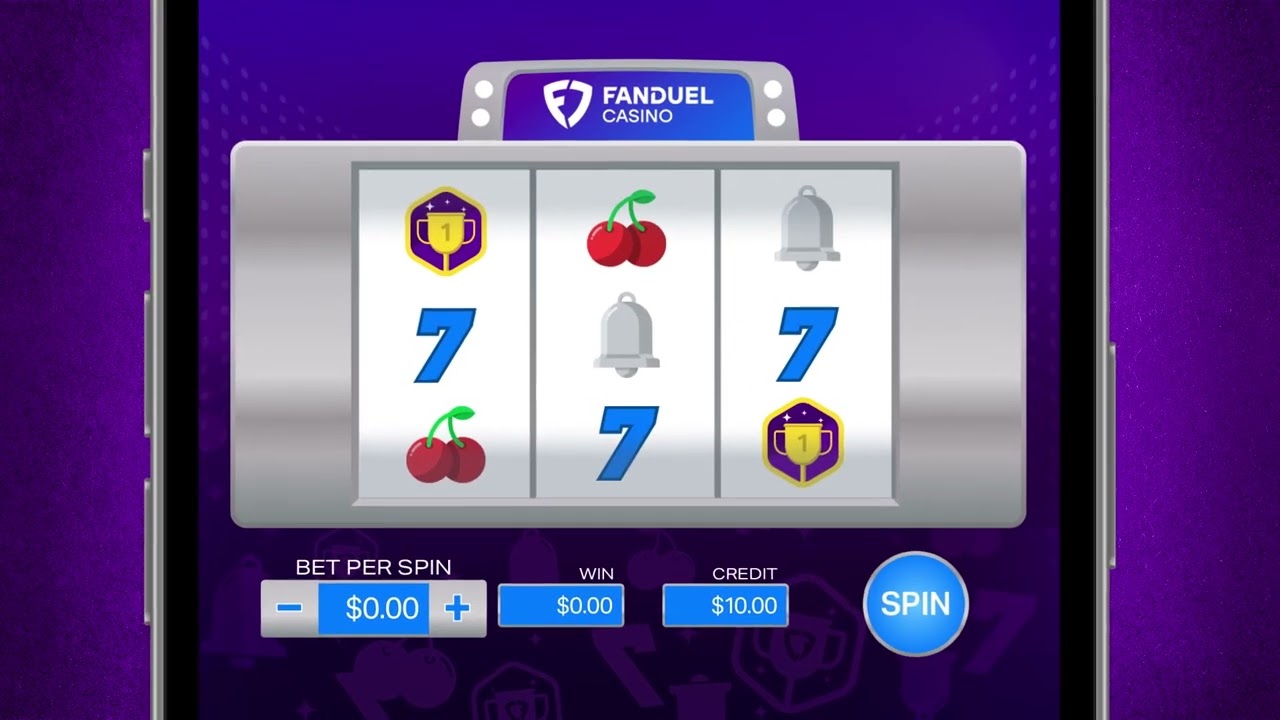
Official FanDuel Login Page (Direct & Secure Link via CasinoMentor)
With so many fake sweepstakes websites attempting to steal your credentials through phishing scams, safety should always be your top priority. To guarantee you are landing on the authentic platform, avoid clicking on random links from search engines. Instead, simply navigate to the FanDuel review page right here on CasinoMentor.com and click the secure "Visit" button. Our verified system will instantly redirect you to the official FanDuel Casino login portal without any risk of phishing or malware.
Step-by-Step FanDuel Login Process (Desktop & App)
Accessing your account is a straightforward process whether you are using a mobile device or a computer. Follow these steps to log in safely:
- Step 1: Open the Platform Launch the FanDuel Casino mobile app or navigate to the official website using your preferred desktop browser.
- Step 2: Locate the Login Button Find the “Log In” button situated in the top right corner of the screen and click it to advance to the login interface.
- Step 3: Select Your State You will be prompted to select your current location from the list of legal states, which include Michigan, New Jersey, Pennsylvania, and West Virginia. You can also play in Connecticut through official partners.
- Step 4: Choose Your Login Method FanDuel offers multiple ways to access your account. You can log in using:
- Email Address: Enter the email associated with your account.
- Social Accounts: Use your Facebook or Apple ID if you linked them during registration.
- Step 5: Finalize and Secure Enter your password and click the green “Log In” button. If you have enabled two-factor authentication (2FA), you will be asked to enter a unique 6-digit code sent via SMS or an authenticator app to finish the process.
Troubleshooting Tip: If you have forgotten your credentials, you can click the "Forgot your password?" link to receive a reset instructions email. Additionally, ensure your location services are enabled, as the platform requires geolocation to verify you are in a legal gaming jurisdiction.
Explaining the FanDuel Unified Account Setup
Understanding how your account is structured is key to a seamless experience across all platforms. Much like how major gaming groups (such as VGW) manage multiple brands under one roof, FanDuel operates as a subsidiary of Flutter Entertainment plc, providing a unified ecosystem for its users.
- One ID, Multiple Platforms: Your FanDuel Casino login serves as your single identity (Unified ID) across the entire brand network, including the Sportsbook, Daily Fantasy Sports (DFS), Racing, and Predicts platforms. You do not need to create separate accounts for each product.
- Synchronized Management: This unified setup allows for the synchronization of your wallet, reward history, and KYC (Know Your Customer) verification.
- Centralized Responsible Gaming: Crucially, any account limits you set—such as deposit, wager, or time limits—are automatically applied across your Fantasy and Casino accounts to ensure consistent protection. Furthermore, enabling Two-Factor Authentication (2FA) on one product will automatically secure your other FanDuel accounts.
Login Troubleshooting: Password Recovery & Technical Support
If you find yourself locked out or unable to remember your credentials, FanDuel provides a robust technical support system (similar to a Zendesk ticketing portal) to resolve these high-priority issues.
Forgot Your Password?
If you have lost or forgotten your password, follow these steps to regain access:
- Navigate to the login page and click the "Forgot your password?" link.
- Enter the email address associated with your account.
- Check your inbox for a "Password Reset" email. Note: If it doesn’t appear within a few minutes, please check your Spam/Junk folder.
- Follow the link in the email to create a new, secure password. You may also be prompted for your SMS or Authenticator app code if 2FA is active.
Account Locked or Suspended
Your account may be "Locked for Review" if the system detects unusual activity, wrong information, or if you have previously requested a Self-Exclusion.
- Self-Exclusion: If you have self-excluded, your account is suspended for a minimum of one year and cannot be reopened until the term expires.
- Identity Verification: If locked for fraud prevention, you will typically receive a notification email requesting a government-issued ID or a "payment selfie" to reactivate the account.
Direct Support Access
For immediate assistance with technical login failures, you should access the Support Ticketing portal or use the following official channels:
- Support Portal: Visit support.fanduel.com for self-service articles and ticketing.
- 24/7 Live Chat: Available directly through the app or website for real-time troubleshooting.
- Email Support: Contact [email protected] for complex account recovery issues.
Security Tips for a Safe FanDuel Login Experience
Protecting your account and bankroll is a top priority. Use these security measures to ensure your FanDuel Casino login remains secure:
- Enable Two-Factor Authentication (2FA): This adds an essential layer of protection by requiring a unique 6-digit code from an authenticator app (like Google Authenticator) or SMS in addition to your password. Note that 2FA is mandatory in several states, including New Jersey, Pennsylvania, and Connecticut.
- Do Not Save Passwords on Public Devices: Avoid using the "Remember Me" feature on public computers or while connected to unsecured public Wi-Fi, as this increases the risk of unauthorized access.
- Verify the Official URL: Before entering any credentials, check your browser’s address bar for the SSL padlock icon and ensure the URL starts with https://. This confirms you are on the official, encrypted FanDuel platform and not a phishing site.
How to Claim the FanDuel Daily Login Bonus
The easiest way to build your bankroll without spending a dime is through the daily incentives offered to active players. FanDuel’s primary daily feature is the Reward Machine, which gives you a free chance at prizes up to $3,000+ every day.
- What you get: Rewards can include bonus spins, casino bonuses, and exclusive promotion entries.
- How to claim: You don't need to place a wager to participate. Simply complete your FanDuel Casino login every 24 hours. A pop-up for the Reward Machine or a "Claim Bonus" notification will typically appear in your Rewards Hub or Messages.
- Pro Tip: These bonuses operate on a 24-hour reset cycle. Set a daily reminder to log in and spin, as some rewards are tied to consecutive daily streaks.
FAQs
Why can't I log into my FanDuel account?
Login failures are usually caused by four main issues: entering incorrect credentials, forgetting your password, your account being "locked for review" due to security concerns, or failing geolocation checks. Ensure your VPN is disabled and you are physically located in a legal state like NJ, PA, MI, or WV.
How often can I collect the FanDuel login bonus?
You can participate in daily promotions, such as the Reward Machine, exactly once every 24 hours.
Can I log in using multiple devices at the same time?
For your security, FanDuel monitors active sessions. While you can use the app or desktop, the system is designed to sign you out after one to two hours of inactivity. Attempting to maintain multiple active betting sessions simultaneously may trigger security alerts or lead to an automatic "kick-out" of the older session to protect your account data.
RELATED ARTICLES

Top High Variance Slot Machines
The Martingale System at Baccarat
Brango Casino Login Guide & How to Claim Your Daily Login Bonus

Mastering Fear in Poker: How to Stay Calm and Make Smart Moves Under Pressure

Comprehensive Guide to A Big Candy Casino Free Spins Promo Codes & Safety Warnings

Ultimate Guide to the Latest Big Spin Casino Free Spin Codes and Promo Codes
1Win Casino Login Guide & How to Claim Your Daily Login Bonus

Ocean Casino Login Guide & How to Claim Your Daily Login Bonus